Work Faster withFree Online Tools forCreators
Simplify your workflows with privacy first Web online utilities. Experience browser based local processing for your files, ensuring they never leave your device. No document uploads, ever.
Simple. Local. Fast.
Get your work done in three seamless, secure steps
Select your tool
Browse categories or use the search bar to instantly find the exact utility you need.
Process instantly
Upload your file or data. Processing starts immediately in your browser.
Get results
Grab your output in seconds. Export clean, watermark free files.
Explore All Tools
Find exactly what you need in our categorized directory
Design Tools
Color Wheel
Discover harmonious color combinations for your designs.
Color Converter
Convert between HEX, RGB, and HSL color values.
Color Meanings
Explore the psychology and symbolism of colors.
Color Picker
Pick colors from images and your screen.
Color Mixer
Mix two colors together to create a new color.
Color Recipe Finder
Find the exact color mixing recipes and percentages for any color.
Color Name Finder
Find the name of any color from its hex or RGB value.

Gradient Generator
Create and customize beautiful gradients.
Contrast Checker
Evaluate background and foreground color compliance ratios using standard WCAG web accessibility guidelines.
Color Blindness Simulator
Simulate color vision deficiencies including Protanopia, Deuteranopia, Tritanopia, and Achromatopsia on uploaded images or palettes.
Latest from the Blog
 Article
What is My Age Today? The One Question That Can Make Or Break Your Government Job Application
Discover how to accurately calculate your exact age for government exams in India. Find out the cut-off date rules for UPSC, SSC, and more using a free age calculator.
 Article
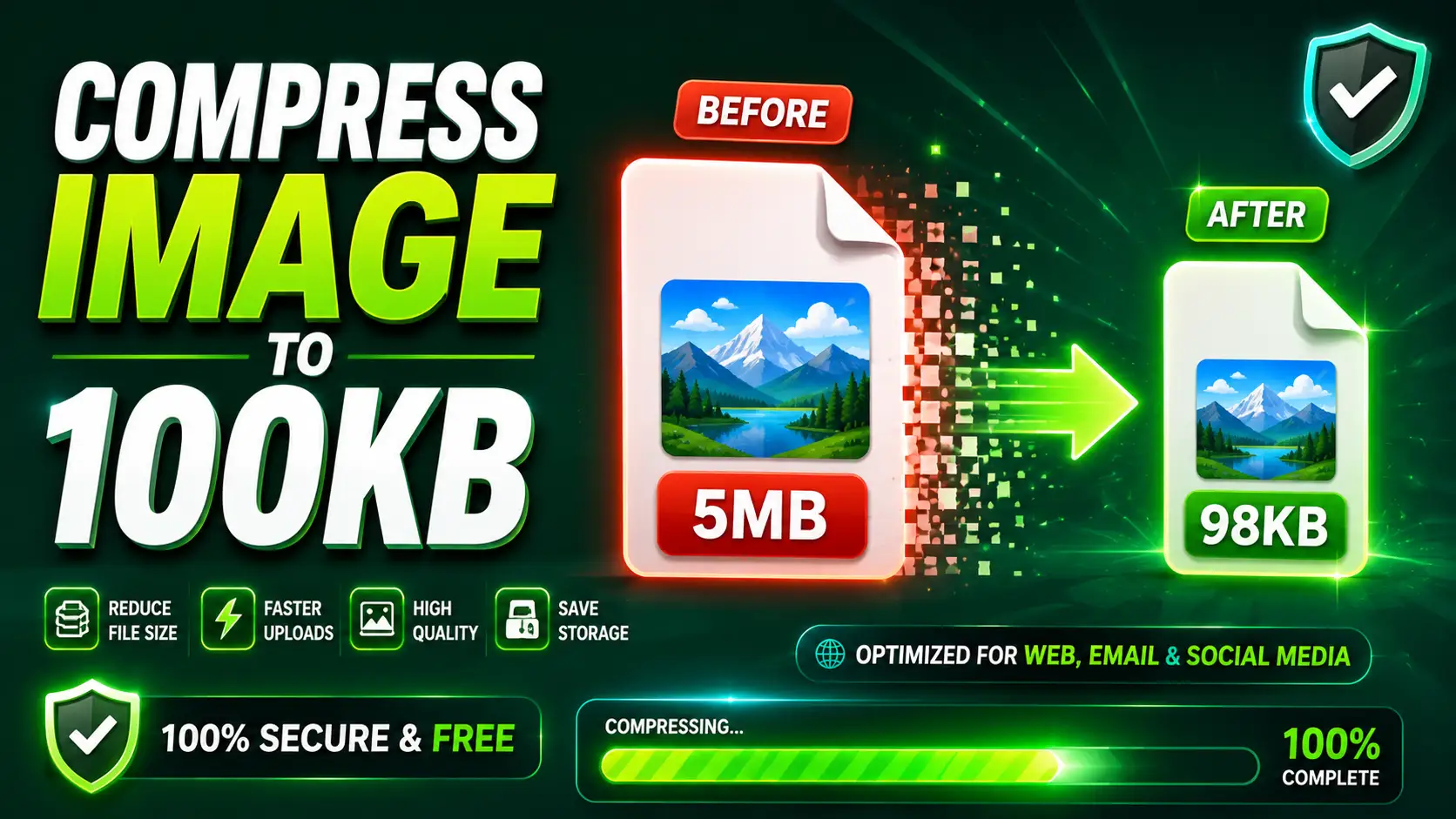
5 Free Tools That Compress Image to 100KB Instantly – Tested and Ranked
Learn how to compress image to 100KB for free. We tested the best online tools like ToolCompanion, TinyPNG, and Squoosh to reduce image size without losing quality.
 Article
How to Create a Stylish QR Code in 60 Seconds (Without Spending a Rupee)
Learn how to create your own stylish QR code in under a minute for free. Customize colors, add a logo, and discover how bulk generators save you hours.
Why experts choose ToolCompanion
ToolCompanion gives students, professionals, developers, designers, and business owners one place to handle PDF editing, image conversion, color management, developer utilities, text processing, and financial calculations. Every tool is free, works instantly in the browser, and requires no login, no software, and no subscription.
Free Forever
Enjoy unlimited usage with absolutely no hidden paywalls.
Privacy First Architecture
Your documents are processed locally on your device and are never uploaded to any server.
Instant Results
Skip the long upload times. Get your results instantly.
Loved ToolCompanion?
Your feedback helps other professionals find free, local, privacy-first tools. If you support our mission, drop a rating or review.

Frequently Asked Questions
Yes, 100%. All of your files are processed locally inside your web browser using client-side technology. Your documents never leave your device. The only tool that uses our server is URL to PDF, which does not process user files and only needs a website URL.
No account or registration is required. You can access and use every utility instantly without signing up, verifying an email, or logging in. Just open the tool and start working.
No, there are no file size limits because all file processing is done locally within your browser, using your own device's hardware instead of uploading to remote servers.
We support all modern versions of Chrome, Firefox, Safari, and Edge. We recommend keeping your browser updated for the best performance.