
How to Create a Stylish QR Code in 60 Seconds (Without Spending a Rupee)
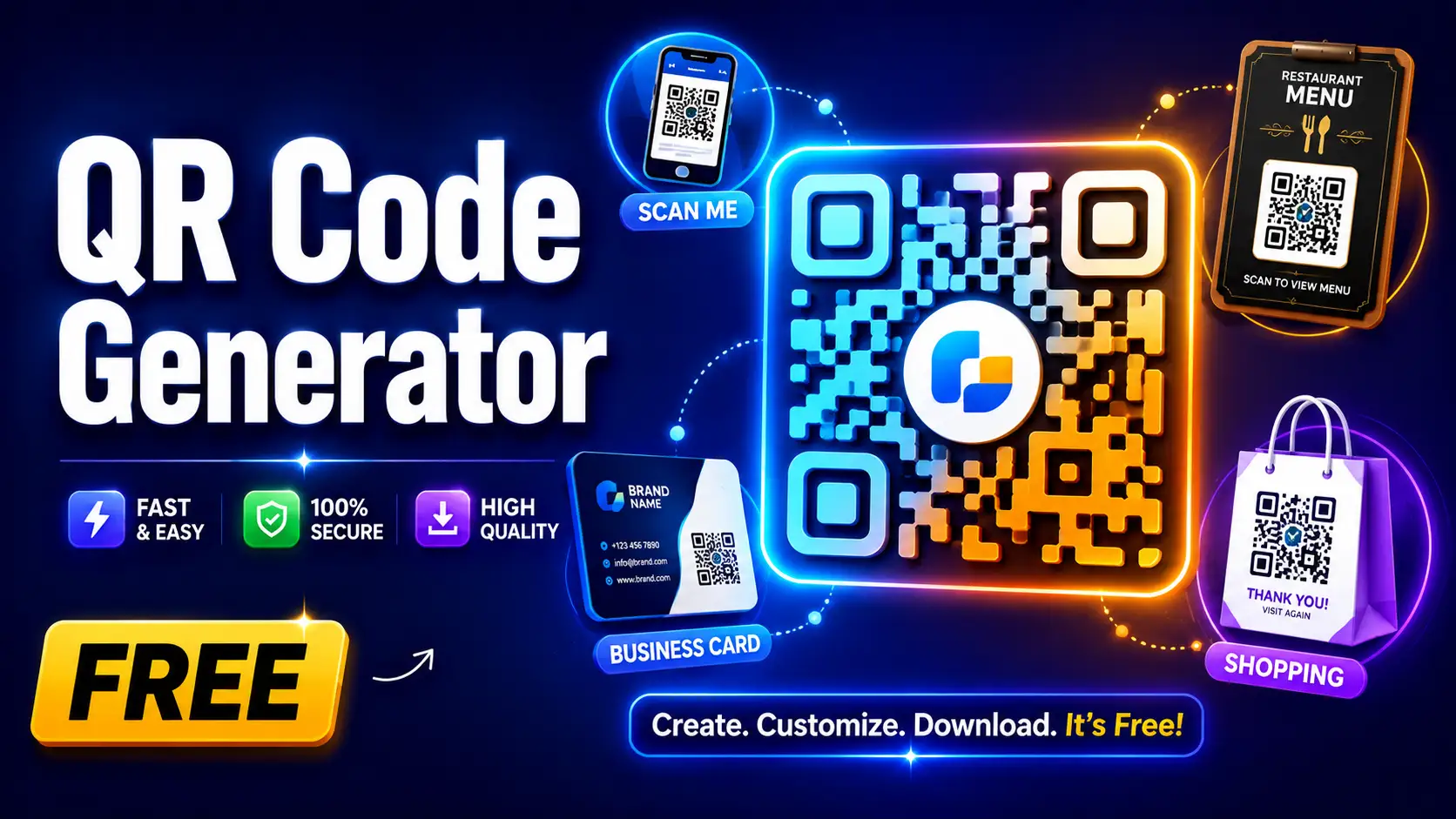
Everyone has scanned a QR code one time or another. In a restaurant. On a business card. At a shop. At a function. They are everywhere. But here's the thing most people do not know - you can make your own QR code for free in less than a minute, no tech skills needed.
And not just a dull black and white box We’re talking about a cool QR code with your brand colours, your logo and a design that actually looks good.
Whether you’re a small business owner, a student, a teacher or just someone who wants to share a link smartly, this guide has it all. We will also show you how a bulk QR code generator can save you hours when you need to generate a lot of codes at once.
What is a QR code? Why is everyone using it?
QR stands for "Quick Response." That is the pixelated square pattern you scan with your phone camera. You just scan it and your phone instantly opens a link, pops up a message, connects to Wi-Fi or does something else, no typing.
QR codes were invented in 1994 in Japan to track car parts in factories. They weren’t supposed to be so popular in everyday life. But the global market for QR codes is now worth more than $13 billion and growing fast. QR codes are everywhere, particularly in India, from small roadside dhabas to big shopping malls.
So why are they so popular? Well, it’s simple: they make sharing information fast, easy and contactless.
Who Uses QR Codes the Most? (Best Case Scenario)
Looking at the different ways people are using QR codes, there is one profession that really stands out: small business and restaurant owners.
Here’s why this should matter to you:
Every time a restaurant with a printed menu wants to make changes to the menu, it spends money. A new dish is added? Reprint. Does price vary? Reprint. Missing something seasonal? Reprinted. This comes to thousands of rupees every year, just for printed menus.
The restaurant prints the QR code menu once (or simply displays it on a table stand) and can update the digital menu at any time without touching the QR code. According to a 2022 Deloitte report, consumers spend around 20% more when ordering from digital menus and tableside ordering technology because customers browse more freely on their phone and tend to add extra items they would skip on a paper menu.
Outside of restaurants, here are the most popular real world uses:
- Shop owners - add product pages, WhatsApp numbers or UPI payment QR codes
- Event organizers - entry tickets, agendas, registration links
- Teachers and trainers - sharing study material, assignment links, and YouTube tutorials
- HR professionals - links to job applications on posters and banners
- Real estate agents - links to property listings on hoardings and brochures
- Freelancers - Digital business cards on their printed cards
If you fall into any of these categories, you’ll be using a QR code tool on a weekly basis.
What is a “stylish” QR code?
Most people only know the simple black and white QR code. But a stylish QR code generator allows you to fully customise it.
Here’s what you can change:
- Colours: Replace the black with any brand colour. A beauty salon could use pink and gold. A tech startup could go with blue and white. A food brand may use orange and red.
- Center Logo: Place your shop’s logo in the very center of the QR code. It still scans perfectly because QR codes have an error correction built-in – even if 30% of the code is covered, it still works.
- Shape of dots: Instead of square dots, you can opt for rounded, circular or diamond shaped dots for a softer, modern look.
- Corner frames: The three square corners of a QR code can be customised to different shapes and colours.
- Frame and Call-to-Action: You can frame the QR code with a text that says something like “Scan to Order,” “Scan for Menu,” or “Scan to Get Discount.”
Studies show that branded, colourful QR codes get up to 40% more scans than plain black and white versions. People scan more when it looks intentional and trustworthy.
What is a bulk QR code generator and who needs one?
A bulk QR code generator is a tool that lets you generate hundreds or even thousands of unique QR codes at the same time, instead of one by one.
It works like this: You compile the list of URLs or data in a spreadsheet (CSV file). You upload that file into the bulk QR maker. For each row in your file the tool generates a unique QR code which you can download altogether.
Who needs a bulk QR code generator?
- Event organisers issuing individual passes to each attendee to enter
- Schools, colleges producing unique codes for student id cards or exam hall tickets
- Product companies for tracking or warranty registration by placing unique QR code on each product package
- Real estate agencies assigning unique property codes to more than 50 listings
- Marketing teams that execute campaigns with unique tracking links for each city, or demographic
Without a bulk tool, it would take a full work day to create 500 QR codes one by one. It only takes a few minutes with the right bulk QR code generator.
Here are the best tools available for bulk QR code generation:
| Tool | Free Plan | Bulk Feature | Best For |
|---|---|---|---|
| QRCode Monkey | Free | Yes (CSV upload) | Design-focused users |
| QR Planet | Free | Yes | Basic bulk needs |
| Uniqode | Paid | Yes (advanced) | Enterprise & campaigns |
| Supercode | Free tier | Yes | Marketing teams |
| QRCodeChimp | Free (10 dynamic) | Yes | Small businesses |
Recommended free option: QRCode Monkey - no sign-up required, supports CSV upload for bulk generation, and lets you download all codes in one ZIP file.
How to Create a QR Code Using ToolCompanion (Step-by-Step)
ToolCompanion's QR code tool is free, browser-based and requires no sign-up. It’s perfect for creating single, beautifully designed QR codes in seconds.
How to use it:
- Visit ToolCompanion.com and open QR Code Generator
- Pick the type of QR code you want: URL, text, WhatsApp, email, phone number, etc.
- Enter the link or info you want the QR code to contain
- customise design - choose colours, add logo, pick dot style
- Live code preview
- Click Download and save your QR code as a PNG or SVG file
The whole process is private and secure, your data is processed in the browser and is never stored. For creating many codes in bulk at once use one of the dedicated bulk tools from the table above.
Static vs Dynamic QR Codes - What's the Difference?
One of the most common questions people ask, so let’s clear it up simply:
Static QR Code:
- The information is embedded in the QR code
- created, no longer changeable
- Works eternally - no expiry
- free to make and use
Dynamic QR Code:
- The QR code points to a short redirect url
- You can change the destination of that redirect any time you like, without changing the printed QR code
- Typically includes scan analytics (number of scans, when, where)
- Some tools will charge you for this feature.
Which one to use?
For a One time use (event pass, homework link, personal portfolio) - use a static code For a business (restaurant menu, product page, ad campaign) – use a dynamic code so you can change it without reprinting.
5 Common Mistakes People Make With QR Codes
- Mistake 1 - Making it too little. The QR code should be at least 2.5 cm x 2.5 cm (about 1 inch) to scan reliably. Business card codes are usually pointless. Always test before printing in large quantities.
- Mistake 2 - Low colour contrast. Light QR codes on a white background are hard to scan. Keep the contrast between code and background at a high level.
- Mistake 3 - Not testing prior to printing. Always scan your QR code with two different phones before printing 500 of them. A design flaw can prevent scanning even though it looks good on screen.
- Mistake 4 - Forgetting to Include a Call-to-Action When a short instruction is shown next to the QR code, such as “Scan for Menu” or “Scan to Order,” people are more likely to scan it. Without it, a lot of people just ignore it.
- Mistake 5 - Constant code for changing content. Imagine you printed 1,000 restaurant menus with a QR code, and then your website URL changes. Now all those codes are broken. And for anything that can change, use a dynamic code
QR Code Size Guide - How Big Should It Be?
| Where You're Using It | Minimum Size | Recommended Size |
|---|---|---|
| Business card | 1.5 cm x 1.5 cm | 2.5 cm x 2.5 cm |
| A4 flyer or brochure | 3 cm x 3 cm | 4 cm x 4 cm |
| Table tent / menu stand | 5 cm x 5 cm | 7 cm x 7 cm |
| Poster or banner | 8 cm x 8 cm | 10 cm x 10 cm |
| Outdoor hoarding | 20 cm x 20 cm | 30 cm x 30 cm+ |
As a simple rule - the farther away someone will be when they scan, the bigger the code needs to be. For hoardings, think 10x bigger than you think you need.
Frequently Asked Questions
Are QR codes free to create?
Yes! With tools like ToolCompanion, it is entirely free to create basic static QR codes. Some platforms might require a paid plan for dynamic codes with analytics.
Do QR codes expire?
Static QR codes are never out of date. They will run as long as the link or data inside them is still valid. Dynamic QR codes can become invalid when you fall behind on payments for the service that is managing them.
Can I put my logo inside a QR code?
Yes. Most modern QR code tools including ToolCompanion allows you to add a logo in the center. The code still scans because of the error correction system that is built in.
How many QR codes can I create in bulk?
Bulk QR Code Generator Make big batches in one go with ToolCompanion's bulk QR code generator Upload your CSV file and download all the codes at once
Is it safe to scan QR codes?
If you are scanning codes from trusted sources, it’s safe. Be careful about scanning random QR codes from unknown places, some might lead to phishing websites. Always check the URL before clicking on a link from a scanned code.
Can I track how many people scanned my QR code?
Yes, with a dynamic QR Code. You can see how many times the code was scanned, from which devices and at what time. This feature is not available for static QR codes.
Final Thoughts
QR codes are one of those tools that appear simple, but can completely transform the way you run your business or share information. A small restaurant menu, a freelancer’s portfolio, a school assignment link, a bulk event ticketing system, the sky is the limit.
The best part is? You don’t need to pay anything, or learn any technical skills. With ToolCompanion’s free QR code generator, you can create beautiful, stylish QR codes in less than a minute - and hundreds of them at the same time when you need to scale.
Try it today! Design your first QR code, add your brand colour, place your logo in the center and see how professional it looks! You’ll wonder why you waited so long to get it.
Did you find this helpful? Share with a friend who still hands out plain paper menus.
Create a stylish QR code now
Generate highly customized QR codes with your colors, patterns, and logos in 60 seconds.

Author
Kartik Pachare
Kartik Pachare is the founder, developer, and SEO expert behind ToolCompanion. With experience in web development, search engine optimization, and Performance Marketing, his mission is to build free, private, and genuinely helpful tools that make the web simpler for everyone. When he's not coding, Kartik is analyzing web data and exploring the next generation of online utilities.
Connect with Kartik on LinkedInComments (0)
No comments yet. Be the first to share your thoughts!