
We asked 50 content writers about their biggest mistake and almost all of them said the same thing
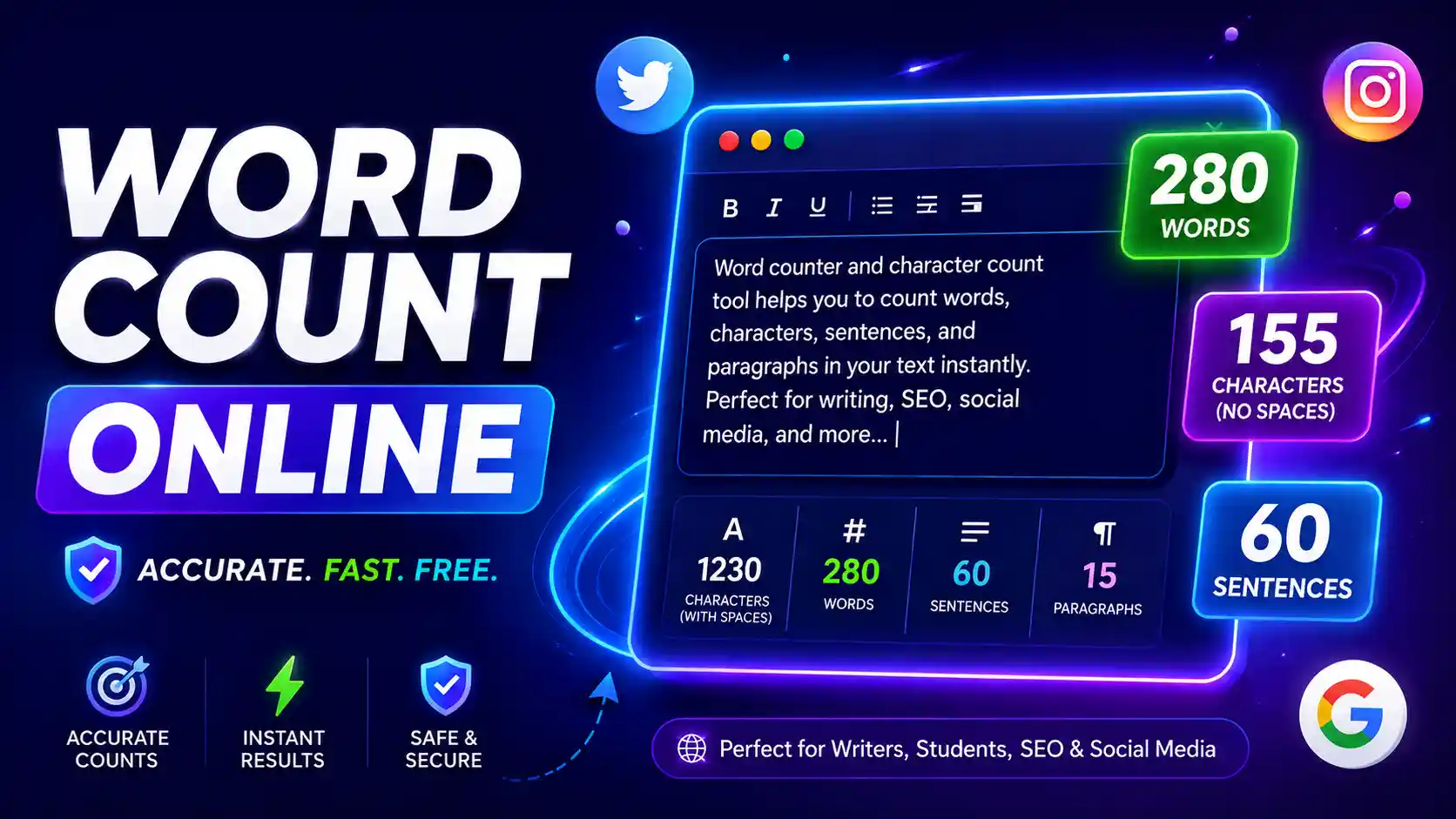
They forgot to check their character count before posting. Tweet cut off mid-sentence. A Google meta title that ends in “…” in search results. An Instagram caption with the most important line behind a “More” button.
This is not an uncommon situation. This is something thousands of people experience every day, whether they’re students, bloggers, social media managers, or SEO professionals. And all of this is entirely preventable.
The answer? A simple online tool to count letters. It takes 3 seconds to use and can save you hours of frustration This guide will walk you through all you need to know about word and character counting – who needs it the most, why it’s more important than you think and how to leverage ToolCompanion’s free tool so you’re never caught off guard again.
How Do I Use a Letter Count Online Tool and What does it Do?
A free letter counting tool online will tell you in a flash:
- How many characters are there in your text (with and without spaces)
- How many words did you write
- How many paragraphs and sentences do you have
- Estimated reading time
Paste your text into the tool, and in less than one second, all the numbers are right in front of you. No mathematics. No manual count. No guesswork.
Sounds easy right? It is. But the impact it has on your quality of writing is huge – especially if you publish content online for a living:
Who Is This Tool Best for? (Spoiler: It’s social media management)
Yes, every writer can use a character counter. But if we had to pick one profession that needs it the most, it’s social media managers and content creators.
Here's why.
Every platform on the internet has a different character limit. And they are thorough about it. Say something too long and your text gets truncated — right at the crucial part. You’re going to lose reach if you put something too short on a platform that rewards longer content.
Here's a quick look at the character limits you need to know in 2026:
| Platform | Limit You Must Know |
|---|---|
| Twitter / X | 280 characters per post |
| Instagram Caption | 2,200 characters (but first 125 show without tapping "More") |
| Instagram Bio | 150 characters |
| LinkedIn Post | 3,000 characters (first 210 show before "See More") |
| TikTok Bio | 80 characters |
| TikTok Caption | 4,000 characters |
| YouTube Title | 60-70 characters (before it gets cut in search) |
| SMS Message | 160 characters (standard) |
| Google Meta Title | 50-60 characters |
| Google Meta Description | 150-155 characters |
| Facebook Post | 63,206 characters (but posts under 80 get 66% more engagement) |
Look at that table. Try to manage five of these platforms every day without a character counter. Either you would be editing posts all the time or you would be making mistakes that you do not even realize until after you post.
A good social media manager uses an online letter count tool before every single post is published. It’s part of the routine, like spell-checking.
Why This Matters for Others, Too
Not only social media managers. Here are ways in which people use a character count tool every day:
Academic writers and students
Universities and professors often require strict word counts for essays, research papers, and application essays. If you go over the limit your submission may be rejected automatically. Go way under and it looks like you didn’t try. A character counter will help you hit that sweet spot – every time.
College admission essays are usually between 250 and 650 words. Personal statements for graduate school are usually between 500 and 1,000 words. One little mistake here and you could lose a place.
SEO Expert & Bloggers
This is where it gets really serious. If your meta title is longer than 60 characters, Google will cut it off in the search results with a "..." - and your keyword may not even show up! Same with meta descriptions. You want them to be 150-155 characters. Go through that and Google rewrites it for you -- no guarantee it will include your focus keyword.
Really, if you check the character count on each meta title and description before you publish you do give yourself an edge over the competition who don’t bother.
Copywriters and Advertising Writers
Google Ads, Facebook Ads, and other paid advertising platforms have strict character limits for headlines and descriptions. Google Ads headlines are limited to 30 characters. The description line? 90 characters. Every character counts – literally. A copywriter without a character length checker is flying blind.
App Builders & Developers
When designing apps, forms, and databases, developers set maximum input lengths for text fields. The username field may be limited to 20 characters. Bio fields cap out at 160. Using a character counter while writing these guidelines - or while testing - saves debugging time later.
Business & Legal Professionals
Legal documents, contracts and business reports often have word limits for each section, particularly for government tenders or compliance documents. A character counter helps to make sure nothing is missed.
How to Use ToolCompanion’s Online Letter Counter for Free
Using the ToolCompanion word and character counter is as simple as it gets:
- Go to ToolCompanion.com Open Word Counter tool.
- Paste your text into the box - or start writing straight away
- See the numbers update live as you type:
- Character count (with spaces)
- Character count (without spaces)
- Word count
- Sentence count
- Paragraph count
- Estimated reading time
- Edit your copy to be perfect for the numbers
That’s all. No signup. No need to download. no limit to how much text you can paste in. Free of charge.
Practical Workflow: Check Character Counts for Each Platform
This is the simple process that social media managers and SEO writers use to get their content sizing just right:
- Step 1 - Write freely at first. When you write, do not think in terms of limits. Just get your ideas down on paper.
- Step 2 - Paste to the tool. I have copied everything and pasted it into ToolCompanion's letter counter tool.
- Step 3 - Check against platform limit. Check out the numbers. Is your Instagram caption 2,200+? Is your meta title over 60 characters? Is your tweet over 280?
- Step 4 - Cut (or extend). Now cut or stretch until you get the right zone. Focus on keeping the most important part of your text in the first visible characters - since most platforms cut off the rest.
- Step 5 - Publish with assurance. You know exactly what the reader will look at. No surprises.
This 5 step workflow takes less than 2 minutes and prevents the most common publishing mistakes content creators make.
Character Count vs Word Count Difference
Many people find this confusing. The easy explanation is this:
- Word count = the cumulative number of distinct words in your text. Primarily for articles, long-form content and essays with word count limits.
- Character count = the total number of individual letters, numbers, spaces and symbols. Used for social media posts, SMS, meta tags and ad copy – basically wherever online platforms have a character limit.
When you count characters, you are counting everything including the spaces between words. Some platforms (like Twitter) include spaces as characters. Some (like some SMS tools) don't. This is why it is very useful to have a tool that shows you both versions (with and without spaces).
How A Character Count Checker Benefits Your SEO
Google does not read your content like a human. It reads titles, descriptions and headings as structured data. And it has very specific expectations about length.
Here's what happens when your lengths are off:
- Meta title too long: Google shortens it in search results. Your brand name or keyword might not be visible anymore.
- Meta description too long: Google replaces it with a snippet it creates automatically – which may not include your keywords.
- H1 heading too long: It may not signal sufficient relevance to the subject.
- Blog post too short: Thin content gets poor rankings. Google likes depth.
A character length checker is one of the easiest and most underused SEO improvements for every piece of content you publish. This takes seconds and directly protects your click-through rates in search results.
Typical Errors Made By Those Who Don’t Use A Character Counter
Here are some real-world examples of things that can go wrong:
- Mistake 1 - The Chopped Tweet. You drop a great punchline at the end. But it’s 310 characters. Twitter cut that to 280. The punchline is not there. Engagement plummets.
- Mistake 2 - The Invisible Hook on Instagram. Your caption is starting with a filler sentence. The real hook is the third sentence. Only 125 characters are shown on Instagram, though. No one sees your hook. Nobody hits “More.”
- Mistake 3 - Google Title Too Short. Your page title is 72 characters long. Google shows 60. Your brand name which was at the end is totally cut off. Your search results look unprofessional.
- Mistake 4 - The Essay That Is Over the Limit. You submit a 1,050-word paper for a class that has a 1,000-word limit. The Professor takes marks off. You did not even know it was over because you did not look for it.
All four are fixed in seconds with a simple online letter count check.
Frequently Asked Questions
Is a letter count the same as a character count?
Almost. Characters count includes letters, numbers, spaces and punctuation. The number of letters is usually only the alphabetical characters. Most online tools will show you both which is handy if you need to match a particular platform’s way of counting.
Does spacing count as a character?
It varies by platform. Twitter and most social media platforms include spaces as characters. Some SMS tools, though, don't. ToolCompanion’s tool allows you to see both – with spaces and without – so you always have the right count.
What's the ideal blog post length for SEO?
Research shows consistently that posts between 1,500 and 2,500 words tend to rank well on Google . But the key is quality and depth, not hitting a specific number. A character counter can help to keep things consistent.
Can I use this tool on my phone?
YES!! ToolCompanion runs on any device, phone, tablet or desktop, on any browser. No download needed.
Is there a limit to how much text I can paste?
No. There is no limit to ToolCompanion’s tool. Copy and paste an entire chapter if you want.
Final Thoughts
An online word counter and letter count tool sounds like a little boring thing. But if you create content, write for SEO, manage social media or submit academic work it is one of those tools that you use every single day and wonder how you ever lived without it.
Content that is read and content that is ignored is often simply a matter of being the right length, in the right place.
Use ToolCompanion’s free word counter tool today. Paste in your text, see your numbers and publish with total confidence.
Don’t forget to save this tool, you’ll use it more than you think!
Count words and letters instantly
Check word counts, character limits, sentence complexity, and reading times for free in real time.

Author
Kartik Pachare
Kartik Pachare is the founder, developer, and SEO expert behind ToolCompanion. With experience in web development, search engine optimization, and Performance Marketing, his mission is to build free, private, and genuinely helpful tools that make the web simpler for everyone. When he's not coding, Kartik is analyzing web data and exploring the next generation of online utilities.
Connect with Kartik on LinkedInComments (0)
No comments yet. Be the first to share your thoughts!